
Cuckoo
Real-time AI meeting interpreter
Real-time interpretation for technical meetings in 20+ languages
Reviewed by The Desk · Last verified July 2026
“Cuckoo is a sharply focused live interpreter for B2B meetings, and its ability to learn your product's jargon from keywords and uploaded docs is what sets it apart from generic captioning or Google Translate. If your team runs recurring technical calls with international customers it earns its keep, but the flat $100/seat pricing and very young company make it a commitment rather than a casual add-on.”
Skip it ifYou only need occasional or one-off translation. With a flat $100/user per month and no lasting free tier, Cuckoo is hard to justify unless you have frequent, recurring cross-language business calls.
What it is
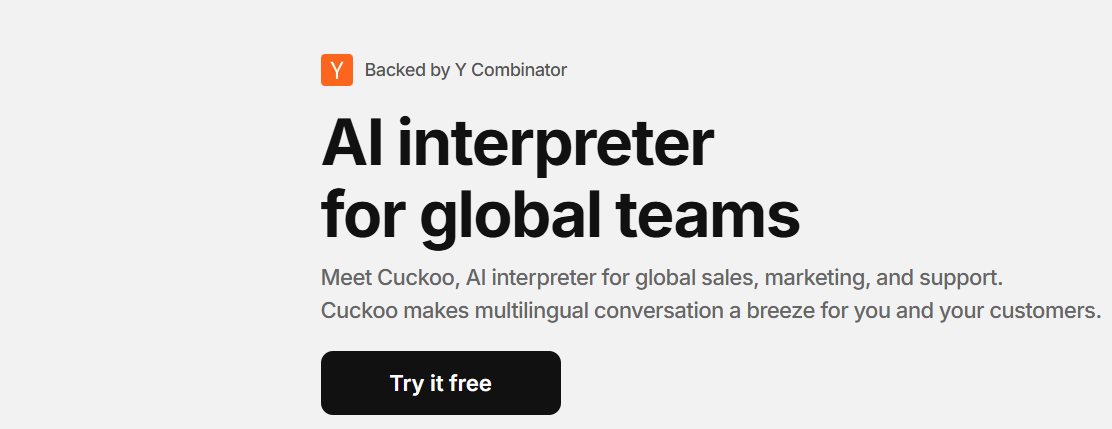
Cuckoo is a real-time AI interpreter aimed at global business teams. It captures spoken audio inside video meetings — Zoom, Google Meet, Microsoft Teams — as well as Slack, and translates it live into 20+ languages while trying to preserve conversational context. Unlike generic captioning or consumer translation apps, its pitch is handling technical, jargon-heavy B2B conversations rather than casual small talk.
The differentiator is domain adaptation. Before a call you can feed Cuckoo keywords and upload documents so it learns a company's product names, internal glossary, and industry terminology, and it keeps an organization-wide dictionary updated over time. It layers collaboration features on top — shareable transcripts, team and private workspaces — plus enterprise controls like custom LLMs, SSO, IP allowlisting, audit logs, and RBAC on the top tier. The company cites technical enterprises such as Snowflake, PagerDuty, dbt Labs, Grafana Labs, and Weights & Biases as users.
Cuckoo Labs is an early-stage, Y Combinator-backed startup (W25) based in Seoul with a small founding team, so buyers are betting on a young product and roadmap. Pricing is flat rather than usage-based: $100/month for an individual Professional seat and $100/user per month for Teams (two-seat minimum), with custom Enterprise pricing and only a 60-minute trial to evaluate. That makes it a clear fit for organizations with frequent, recurring cross-language calls where jargon accuracy matters, and a poor fit for anyone needing occasional or budget translation.
Key features
- Live speech-to-speech and text translation into 20+ languages during meetings
- Learns industry jargon and internal glossaries from your keywords and uploaded documents
- Works inside Zoom, Google Meet, Microsoft Teams, and Slack
- Offline/in-person meeting mode on mobile and desktop
- Shareable transcripts plus team and private workspaces
- Organization-wide dictionary that stays updated automatically
- Enterprise controls: custom LLMs, SSO, IP allowlist, audit logs, and RBAC
Who it’s for
Run technical sales demos and calls with international prospects
Support non-English-speaking customers on live calls without a human interpreter
Enable cross-border engineering and product discussions in real time
Localize partner meetings, onboarding, or all-hands across languages
Pros & cons
The good
- Domain adaptation from keywords and documents makes it noticeably better on technical jargon than generic translators
- Runs natively inside the tools teams already use — Zoom, Google Meet, Microsoft Teams, and Slack
- Real enterprise traction (Snowflake, PagerDuty, dbt Labs) signals it holds up in serious technical use
The catch
- Flat $100/user per month is steep for occasional, solo, or low-volume use
- Very early-stage two-person company means a limited track record and uncertain long-term roadmap
- Real-time machine interpretation still trails a skilled human interpreter on high-stakes nuance
Pricing
| Tier | Price | What you get |
|---|---|---|
| Professional | $100/mo | Unlimited usage · 20+ languages · Online and offline meetings · Personal dictionary · Priority email and chat support |
| Teams | $100/mo | Everything in Professional · Per-user pricing, minimum 2 seats · Concurrent sessions per user · Shareable transcripts · Team and private workspaces · Organization-wide dictionary · NDAs and security checklists |
| Enterprise | Custom | Everything in Teams · Custom AI and LLMs · Custom dictionary integrations · SSO and IP allowlist · Audit logs and RBAC · Customer success manager |
Free tier — 60-minute free trial, no permanent free tier
Alternatives to Cuckoo
More Meetings & Notes →

Questions people ask
Which meeting platforms does Cuckoo support?
It runs inside Zoom, Google Meet, Microsoft Teams, and Slack, and also offers mobile and desktop modes for in-person meetings.
How many languages does it handle?
More than 20, including English, Japanese, Korean, Chinese, Spanish, French, German, Portuguese, and others.
Is there a free plan?
There is no permanent free tier — only a 60-minute free trial. Professional is $100/month and Teams is $100/user per month with a two-seat minimum.
Can it handle technical jargon and product terms?
Yes. You can teach Cuckoo keywords and upload documents so it recognizes internal glossaries and industry-specific terminology during translation.