
Bolt.new
AI full-stack app builder
Prompt to a live full-stack web app in your browser in minutes
Reviewed by The Desk · Last verified July 2026
“Bolt.new is the strongest example of the "prompt-to-app-in-the-browser" category: its WebContainers engine runs a real Node environment client-side, so you get editable code, live preview, and one-click Netlify deploy without touching a terminal. It shines for prototypes and MVPs but leans hard on token-metered billing and loses reliability as projects grow complex.”
Skip it ifYou need a large, complex, or long-lived production codebase, or predictable monthly costs — Bolt's token metering burns fast and it tends to loop on its own errors once an app gets non-trivial.
What it is
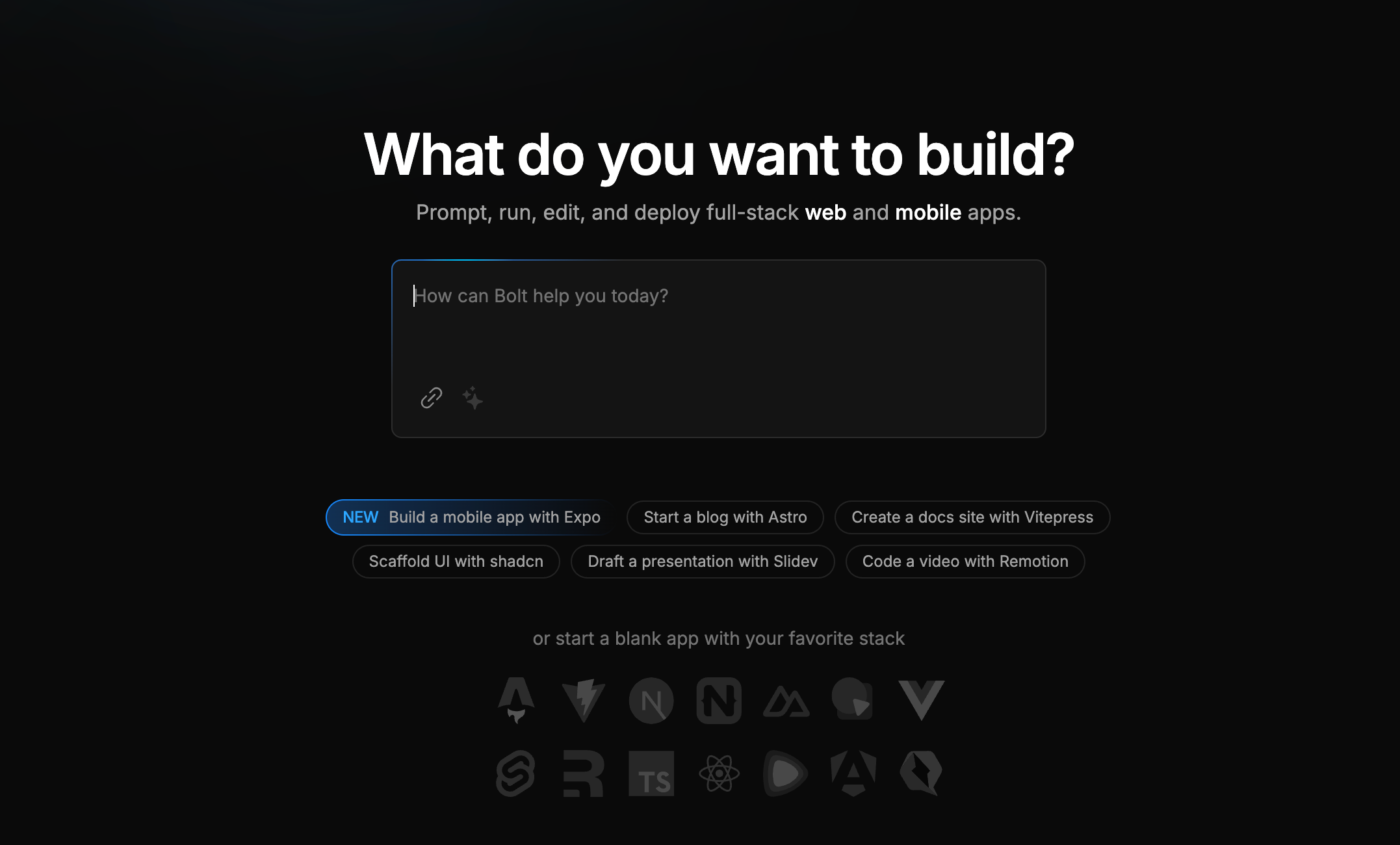
Bolt.new is an AI app builder from StackBlitz that turns a natural-language prompt into a working, full-stack web application inside the browser. What sets it apart from chat-style code assistants is the runtime: it uses StackBlitz's WebContainers to run a real Node.js environment client-side, so the generated project installs npm packages, previews live, and can be edited by hand — no local setup or terminal required.
In practice you describe what you want, watch it scaffold the files, and then iterate by chatting or editing code directly. It ships with practical integrations — Supabase for auth and a database, GitHub for version control, one-click Netlify deploys with custom domains, Figma import for UI, and Expo for mobile — which pushes it beyond a demo toy toward something you can actually launch. Every action is metered in tokens, and heavier iteration draws them down quickly.
It fits best for prototyping, landing pages, and MVPs, and for non-developers or developers who want to skip environment setup. The tradeoffs are real: output quality and reliability fall off as apps grow complex, the agent can get stuck fixing its own errors, and backend logic tends to be thinner than the slick front end suggests. For serious, large, or long-lived codebases, a conventional editor-based workflow (or exporting Bolt's output early) is the safer path.
Key features
- Generate a full-stack web app from a natural-language prompt
- In-browser dev environment (WebContainers) with live preview and editable code
- Run npm packages and full Node tooling client-side, no local setup
- One-click deploy to Netlify with custom-domain support
- Native Supabase integration for auth and database
- Import Figma designs to kickstart the UI
- Build and ship mobile apps via the Expo integration
Who it’s for
Rapidly prototype a web app idea to demo to stakeholders
Ship a landing page or MVP without any local setup
Non-developers spinning up internal tools or side projects
Developers scaffolding a new project fast, then exporting the code
Pros & cons
The good
- Goes from a plain-language prompt to a running, previewable full-stack app in minutes, entirely in the browser
- WebContainers give a genuine Node dev environment with editable code, npm packages, and instant deploy to Netlify
- Real integrations (Supabase, GitHub, Expo, Figma) push it past toy-prototype territory
The catch
- Token-based pricing drains allowances quickly, and iterating on a complex app gets expensive
- Output quality degrades on larger projects — it can get stuck in error-fix loops that need manual rescue
- Backend and full-stack logic is shallower than the polished front-end output implies
Pricing
| Tier | Price | What you get |
|---|---|---|
| Free | Free | 1M tokens per month · 300K tokens daily limit · Public projects |
| Pro | $25/mo | Starts at 10M tokens/month · No daily limit · Unused tokens roll over · Higher token tiers available up to power-user levels |
| Teams | $30/mo | Per team member · 10M tokens/month each · Tokens not shared across members · Centralized team billing |
| Enterprise | Custom | Custom pricing · Advanced controls and support |
Free tier — 1M tokens/month, capped at 300K tokens/day
Alternatives to Bolt.new
More Coding & Dev → Cursor4.7The AI-native code editor that writes and refactors alongside you
 MGX4.2Turn a prompt into a shipped app with an AI agent team
 Zencoder4.1Multi-model AI coding agents that live in your IDE and workflow
 Base444.3Describe an app in plain English and get a working full-stack product
Questions people ask
Who makes Bolt.new?
StackBlitz, the company behind the browser-based IDE, launched Bolt.new on October 3, 2024. It runs on StackBlitz's WebContainers technology, which executes Node.js in the browser via WebAssembly.
Is Bolt.new free?
There is a free tier with 1M tokens per month (capped at 300K tokens per day). Paid plans start at $25/month for Pro (10M tokens/month, with rollover), with Teams at $30/month per member and custom Enterprise pricing.
Can I export the code Bolt generates?
Yes. You edit the code directly in the browser, can push to GitHub, download the project, and deploy to Netlify — you are not locked into a black box.
How is Bolt.new different from Cursor?
Cursor is an AI-enhanced code editor for developers working in a full local codebase; Bolt.new is a browser-based app builder that generates and runs a whole project from a prompt, aimed more at fast prototyping and MVPs than deep day-to-day engineering.