
Wispr Flow
AI voice dictation app
Dictate anywhere and get clean, formatted text 3x faster than typing
Reviewed by The Desk · Last verified July 2026
“The strongest AI dictation app for cross-app writing on desktop: it drops cleaned-up, auto-formatted text into any text field, strips filler words, and reliably clears 150+ WPM. The catch is that it is cloud-only with no offline mode, and the mobile experience is far weaker than the Mac/Windows apps.”
Skip it ifYou need offline/on-device transcription for privacy or spotty connectivity, are on Linux or an ARM Windows device, or expect a full iOS keyboard replacement — the iOS app makes you dictate, copy, and switch back manually.
What it is
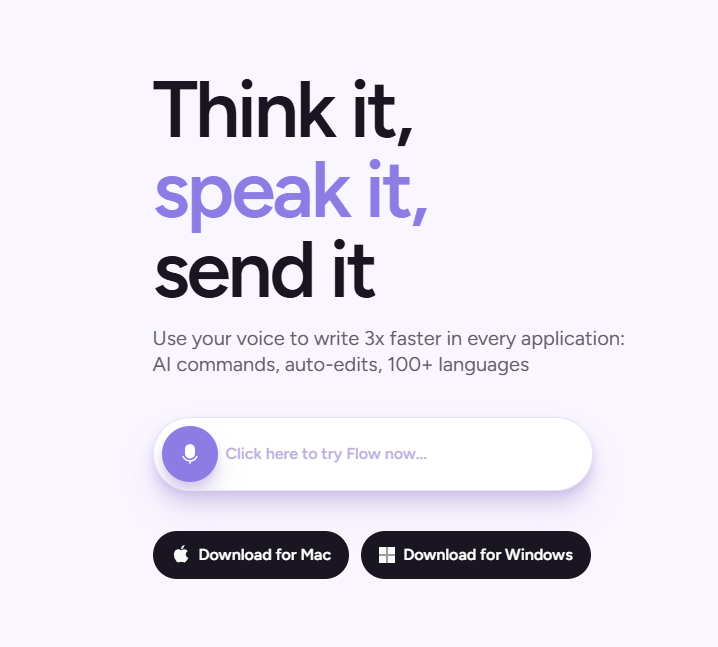
Wispr Flow is an AI dictation app that turns speech into cleaned-up, formatted text inside almost any application. You hold a hotkey, talk, and it drops the result into whatever field has focus — an email, a Slack thread, a doc, a code comment. What separates it from built-in OS dictation is the editing layer: it auto-punctuates, applies formatting, and strips filler words and false starts, so the output reads like something you wrote rather than a raw transcript. It supports 100+ languages with automatic detection and code-switching, and Pro adds "AI Commands" for triggering custom prompts mid-dictation.
Under the hood it runs an ensemble of speech models in the cloud, with optional screen access to pick up on-screen context for smarter formatting. Independent testing puts English accuracy in the high-90s, and experienced users comfortably exceed typing speed. The trade-off is that everything is cloud-processed — there is no offline or on-device mode — and the desktop apps are resource-heavy, with the Electron-based Windows build drawing roughly 800MB of RAM and occasionally interfering with target apps during dictation.
It fits best as a daily driver for knowledge workers who write a lot on a Mac or Windows machine and want to offload typing to voice. The mobile apps are the weak point: iOS in particular is not a keyboard replacement, forcing a dictate-copy-switch workflow. Backed by Wispr AI (founded 2021, over $80M raised from Menlo Ventures, Notable Capital and others), it is the most polished option in the AI-dictation category, provided cloud processing and desktop-first design are acceptable.
Key features
- System-wide dictation into any app via a global hotkey
- Automatic punctuation, formatting, and filler-word removal
- AI Commands to trigger custom prompts mid-dictation (Pro)
- 100+ language support with auto-detection and code-switching
- Personal dictionary for names, jargon, and acronyms
- Context awareness via optional screen access for smarter formatting
- Cross-device sync across Mac, Windows, and mobile
Who it’s for
Dictating emails and Slack messages instead of typing
Drafting documents and notes hands-free across any app
Writing code comments and prompts by voice
Replying quickly on mobile without thumb-typing
Pros & cons
The good
- Auto-formats and removes filler words, so dictation reads like edited text, not a raw transcript
- Works system-wide in nearly any desktop app via a single hotkey
- Strong multilingual support (100+ languages) with automatic detection and code-switching
The catch
- Cloud-only with no on-device mode at any tier, a real privacy and offline limitation
- Windows app is Electron-heavy (~800MB RAM) and users report it freezing target apps like VS Code
- iOS app is not a keyboard replacement, requiring an awkward dictate-copy-switch workflow
Pricing
| Tier | Price | What you get |
|---|---|---|
| Basic | Free | 2,000 words/week (1,000 on iPhone) · Core dictation and formatting · No credit card required |
| Pro | $15/mo | Unlimited dictation · AI Commands · All platforms · $12/mo billed annually ($144/yr) · 14-day Pro trial · $6/mo student rate with .edu email |
| Teams | $12/mo | Everything in Pro · $10/user/mo billed annually · 3-seat minimum · Team management |
| Enterprise | Custom | Custom pricing · Admin and security controls · Volume seats |
Free tier — Basic: 2,000 words/week on Mac & Windows (1,000/week on iPhone)
Alternatives to Wispr Flow
More Productivity →



Questions people ask
Does Wispr Flow work offline?
No. Wispr Flow processes all audio in the cloud and has no on-device mode at any tier, so it requires an internet connection and is not suitable if you need fully local transcription.
How much does Wispr Flow cost?
There is a free Basic plan capped at 2,000 words/week. Pro is $15/month, or about $12/month ($144) billed annually, with a $6/month student rate. Teams is $12/user/month (3-seat minimum) and Enterprise is custom-quoted.
Which platforms does it support?
Mac (macOS 12+), Windows 10+ (ARM/Snapdragon not supported), iOS 18.3+, and Android 13+. There is no Linux, iPad, or Chromebook support.
Is the iOS app a keyboard replacement?
No. On iOS it is a standalone app, not a system keyboard, so to use it inside a third-party app you dictate in Wispr Flow, copy the text, and switch back — noticeably clunkier than the desktop experience.