
Helix
AI coding agent extension
Autonomous coding agent inside VS Code that edits, runs, and debugs
Reviewed by The Desk · Last verified July 2026
“Helix is a promising but early-stage autonomous coding agent that lives in VS Code, with whole-codebase context, permissioned command execution, and checkpoint rollbacks. It shows real ambition, but a small user base, opaque credit pricing, and a thin public track record make it a tool to try rather than to bet a production workflow on today.”
Skip it ifSkip if you need a mature, battle-tested assistant with transparent seat pricing and a proven record on large or production-critical codebases — Helix is still in beta with roughly 2,300 installs and undisclosed credit rates; Cursor or GitHub Copilot are safer bets there.
What it is
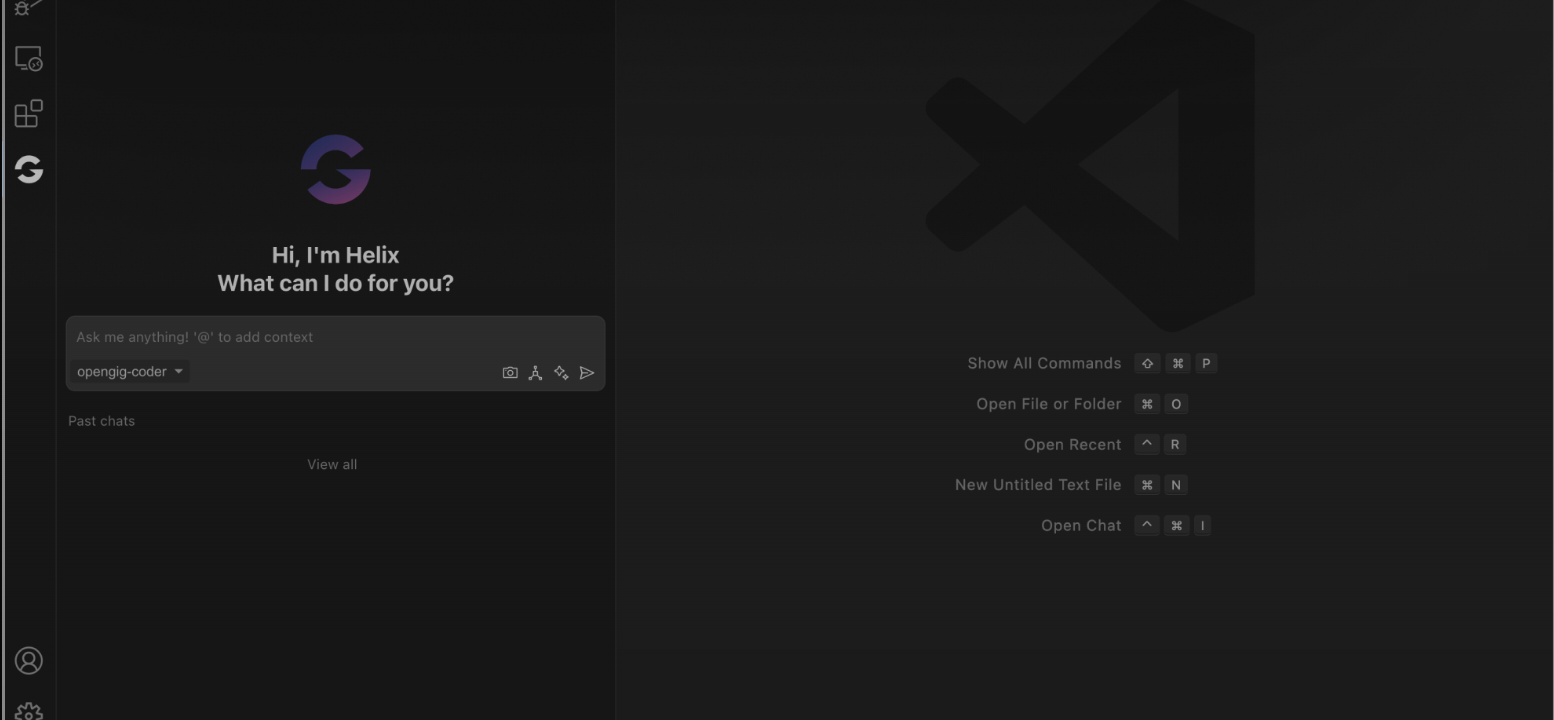
Helix is an AI coding assistant from OpenGIG that installs directly into Visual Studio Code as an autonomous agent. Rather than only autocompleting lines, it can read the full context of a repository, generate and edit files, execute terminal commands, and even drive a browser — pausing for your permission at each step. Features like checkpoints (an undo and lightweight version-control layer), debugging and refactoring help, and a PM Agent for importing project-management prompts round out the pitch of a hands-on, do-the-work-for-you coding companion.
In practice, Helix sits in the same space as Cursor, Zencoder, and GitHub Copilot's agent modes, but it is considerably younger. It has been running as a beta extension (version 1.4.x) with roughly a couple thousand installs, a handful of reviews, and a credit-based usage model layered on a free tier. Multiple AI models are selectable, and OpenGIG has seeded early adoption with promo credits.
The honest read is that Helix is promising but unproven. The permissioned, whole-codebase agent design is genuinely useful, and staying inside VS Code lowers the barrier to trying it. But the small user base, opaque credit pricing, thin documentation on privacy and data handling, and lack of an independent track record on large or production-critical codebases mean it is best approached as an experiment for solo developers and small teams rather than a dependable backbone for critical work.
Key features
- Autonomous in-IDE agent (create/edit files, run commands, use browser)
- Whole-codebase context understanding
- Checkpoints for undo and version control
- Debugging and refactoring assistance
- PM Agent for importing project-management prompts
- Multiple AI model selection
- Per-step permission gating for actions
- Credit-based usage system
Who it’s for
Generating features across a full codebase from a single prompt
Debugging and refactoring existing code inside VS Code
Running terminal commands and browser actions with per-step approval
Rolling back agent changes via checkpoints
Pros & cons
The good
- Full autonomous agent that reads whole-codebase context and can create/edit files, run commands, and drive a browser, each gated behind per-step permission
- Checkpoints act as an undo and version-control safety net for agent actions
- Free to start inside familiar VS Code, with multiple selectable AI models
The catch
- Early beta with a small install base and little independent verification
- Credit-based pricing is opaque, with no published per-seat or per-credit rates
Pricing
| Tier | Price | What you get |
|---|---|---|
| Free / Basic | Free | Core autonomous agent in VS Code · Starter credits · Multi-model selection |
| Credits / Premium | Custom | Buy additional credits for continued usage · Premium features |
Free tier — Free basic tier with a credit-based usage system; beta promo (e.g. OPENGIG200) grants bonus points
Alternatives to Helix
More Coding & Dev →



Questions people ask
What is Helix?
Helix is an autonomous AI coding agent from OpenGIG that installs as a Visual Studio Code extension. It can read your whole codebase, create and edit files, run terminal commands, and use a browser, asking for permission at each step.
How much does Helix cost?
Helix offers a free basic tier and runs on a credit-based system, letting you buy more credits for premium usage. OpenGIG has not published specific per-credit or per-seat prices, and the tool has been in beta.
What platforms does Helix support?
Helix ships as a Visual Studio Code extension, so it runs anywhere VS Code does — macOS, Windows, and Linux. There is no standalone web or mobile app.
Is Helix ready for production teams?
It is capable but still early. With a small user base, limited public documentation on data handling, and unproven performance on large codebases, it is best treated as an experimental assistant rather than a core production tool right now.