
PyUI Builder
Visual Python GUI builder
Drag widgets onto a canvas, export clean Python GUI code
Reviewed by The Desk · Last verified July 2026
“One of the few framework-independent visual builders for Python GUIs, and a genuinely handy way to skip hand-coding Tkinter geometry. Just know that only Tkinter and CustomTkinter are fully supported today, and it's a one-person project.”
Skip it ifYou need PySide/PyQt, Kivy, or wxPython output right now (only Tkinter and CustomTkinter are fully supported), or you're building a large production app that demands full hand control over the code.
What it is
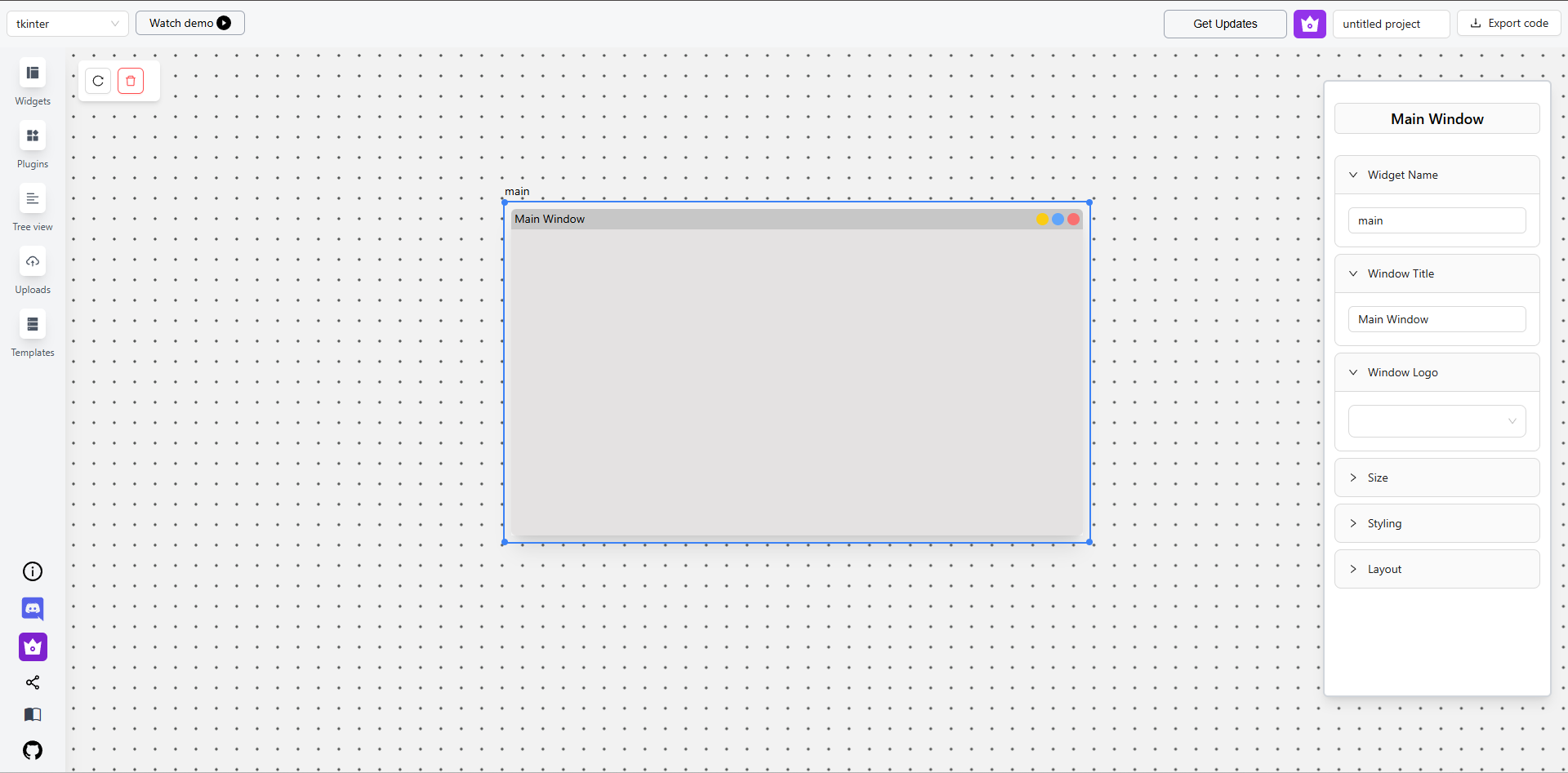
PyUI Builder is a visual, drag-and-drop GUI builder for Python, created by solo developer Paul (GitHub handle PaulleDemon) and first launched in October 2024. It pitches itself as "Webflow or Canva for Python GUIs": you drop widgets onto a canvas, arrange them with pack/flex, grid, or absolute layouts, and export ready-to-run Python rather than XML or a proprietary format. Its defining trait is framework independence — in principle the same design can target more than one toolkit.
In practice that promise is strongest for Tkinter/TTK and CustomTkinter, which are fully supported; Kivy and PySide/PyQt are listed but still in progress. The free browser editor covers the core loop of widgets, layout, and code export but limits you to roughly six exports per month. A one-time desktop license (an Electron app, around $29 hobbyist and $49 commercial) unlocks unlimited exports, live preview, premium widgets, a dark theme, and saving or loading design files. Code produced by the web editor is MIT-licensed for your own projects.\n\nIt's worth being clear that this is not an AI tool in the generative sense — there's no prompt-to-UI model, just a deterministic editor that writes the boilerplate for you. For hobbyists, students, and developers who want to skip hand-coding Tkinter geometry, it's a real time-saver and one of the few framework-agnostic options in this niche. Teams shipping large PySide/PyQt production apps, or anyone needing wxPython, will find it too early. As a solo-maintained project with roughly 2.5k GitHub stars, its roadmap and longevity ultimately depend on one developer.
Key features
- Drag-and-drop canvas editor for placing widgets
- Code export to Tkinter/TTK and CustomTkinter
- Multiple layout managers: pack/flex, grid, absolute positioning
- Prebuilt widgets (buttons, labels, scrollbars, tabs, canvas)
- Live preview in the desktop app (premium)
- Third-party Python library / plugin support
- Local asset upload processed client-side
- Save/load design files, dark theme, premium widgets (paid)
Who it’s for
Prototyping desktop app UIs in Tkinter or CustomTkinter
Learning Python GUI layout without hand-coding geometry
Generating boilerplate GUI code to hand off to developers
Building small internal tools and utilities quickly
Pros & cons
The good
- Framework-independent: exports real, readable Python (not XML) for Tkinter and CustomTkinter
- Free browser editor plus an affordable one-time desktop license, no subscription
- Handles multiple layout managers (pack/flex, grid, absolute) and generated code is MIT-licensed to use
The catch
- Only Tkinter and CustomTkinter are fully supported; Kivy and PySide/PyQt are still in progress
- Free web tier caps you at roughly six code exports per month
- Solo-maintained, so roadmap, support, and longevity rest on one developer
Pricing
| Tier | Price | What you get |
|---|---|---|
| Free (Web Editor) | Free | Browser-based drag-and-drop editor · Basic Tkinter/TTK/CustomTkinter widgets · Up to ~6 code exports per month · Generated code is MIT-licensed |
| Hobbyist / Basic (Desktop, one-time) | $29/mo | Electron desktop app · Unlimited exports · Premium widgets · Save/load design files · Dark theme and live preview · Non-commercial use |
| Commercial (Desktop, one-time) | $49/mo | All Hobbyist features · Commercial use rights · Priority support |
Free tier — Free web editor with up to ~6 code exports per month, basic Tkinter/TTK/CustomTkinter widgets
Alternatives to PyUI Builder
More Coding & Dev →


Questions people ask
Is PyUI Builder free?
The browser-based editor is free and covers the core workflow (placing widgets, layouts, and code export), but the free tier caps you at roughly six exports per month. Unlimited exports and extras like live preview and premium widgets require a one-time desktop license.
Which Python frameworks does it support?
Tkinter/TTK and CustomTkinter are fully supported today. Kivy and PySide/PyQt are advertised as upcoming and were still in progress at the time of writing.
Is it an AI tool?
Not in the generative sense. There is no prompt-to-UI model; it's a deterministic visual editor that writes the layout boilerplate for you as you drag and drop widgets.
Can I use the generated code commercially?
Code from the free web editor is MIT-licensed for any use. The desktop app itself is split into a non-commercial hobbyist license (~$29 one-time) and a commercial license (~$49 one-time).
Who makes PyUI Builder?
It's an open-source project built and maintained by solo developer Paul (GitHub handle PaulleDemon). The repo launched in 2024 and has around 2.5k GitHub stars.